
Remosidian Overview
Search and ask your Obsidian vault from your phone, without moving it to the cloud. Free to use.
📖 Introduction
Remosidian is for people who already trust Obsidian with their notes but still need files, search, and local AI when they step away from their computer. It consists of two parts:
- Remosidian Host plugin (
remosidian-host): an Obsidian desktop plugin that turns your computer into a private, local-first host for your vault - Remosidian mobile app: pair your phone with the host via a QR code, then browse, search, edit, and ask AI about your vault remotely
Your vault never leaves your machine — the phone gets a paired doorway, not a cloud clone.
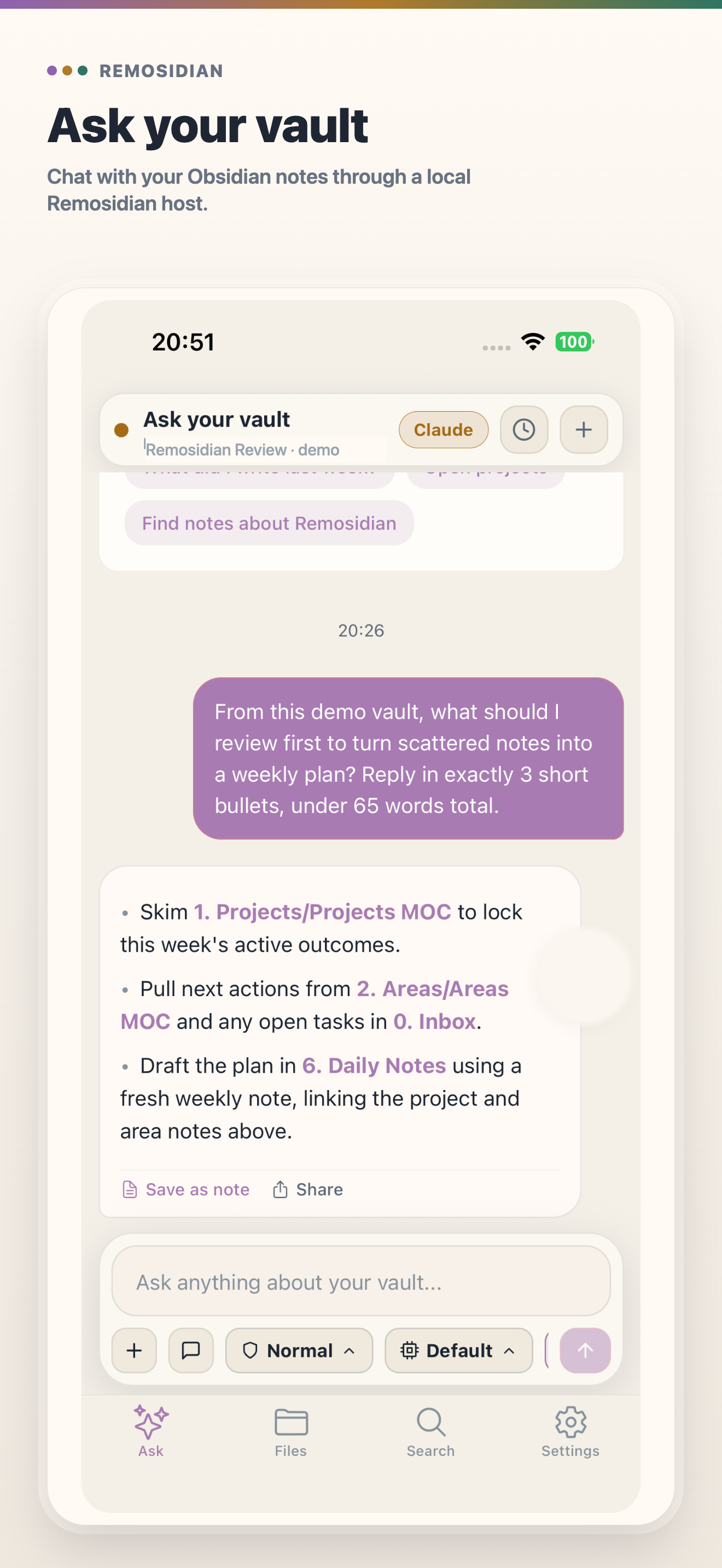
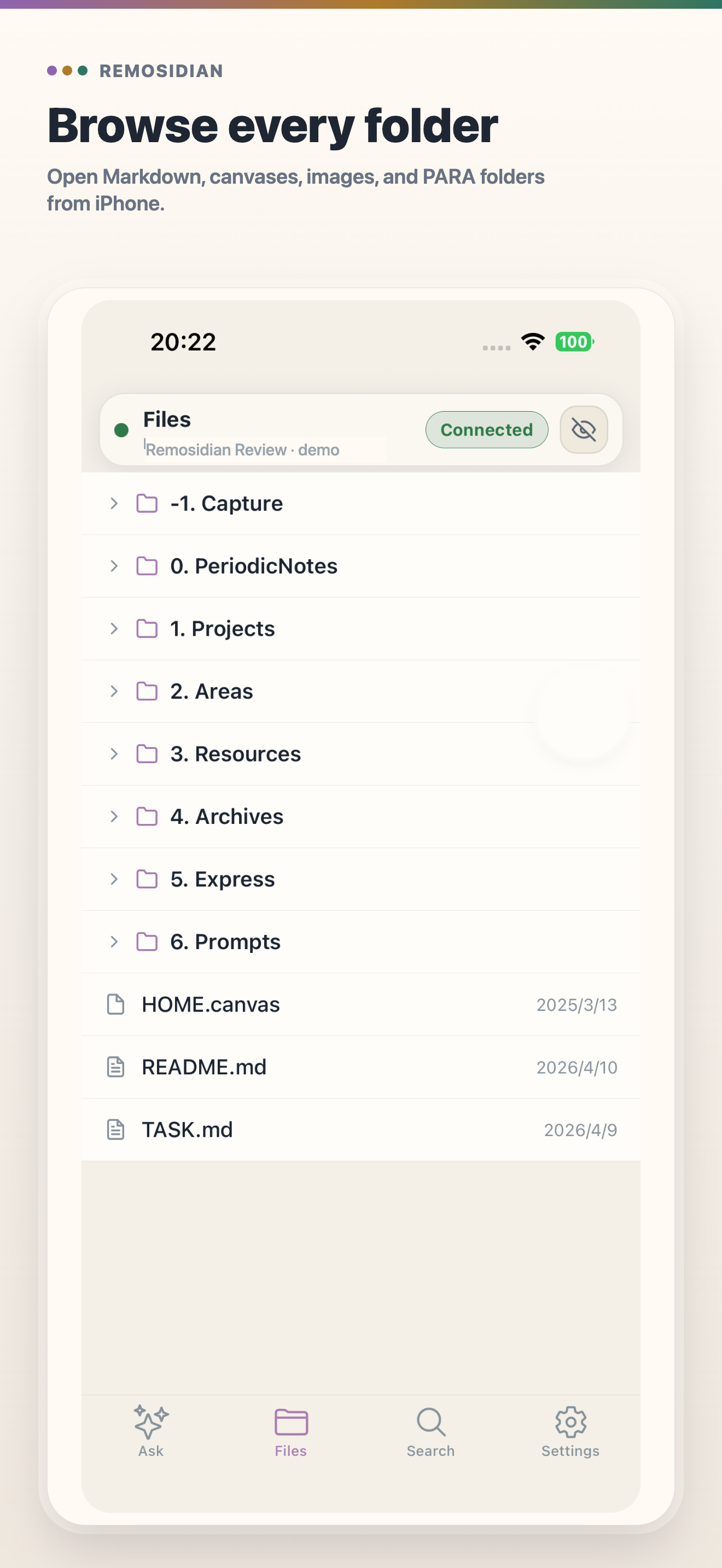
✨ Main Features
- 📂 Browse Obsidian files: open folders, read Markdown, and follow wikilinks on the go
- 🔍 Search your vault: full-text search from your phone
- ✦ Ask with vault context: forgot what a note said? Ask from your phone while Claude or Codex reads context on the paired host
- 🏠 Local-first host: your vault stays on your computer; nothing is synced to a third-party cloud
- ⧉ QR pairing: bind the phone to the host with a short-lived QR code, no account required
- ↗ Remote ready: start with local access, then add a relay only when you need away-from-desk access
🚀 Quick Start
- Install the Remosidian Host plugin in desktop Obsidian and enable it
- Install the Remosidian mobile app on your phone — see the official site for download options
- In Obsidian, open the Remosidian Host settings and show the pairing QR code
- Scan the QR code with the Remosidian app — you are connected
For detailed installation and pairing steps, read the Remosidian guide.
💎 Free vs Pro
The Remosidian Host plugin and the core mobile experience (browse, search, ask, pairing, raw Markdown reading, and basic editing) are free. A Remosidian Pro in-app subscription unlocks advanced previews and editor blocks such as Excalidraw, embeds, and other enhanced Markdown rendering. You can still read and edit raw Markdown without a subscription.